Smart Thermostat Heat Pump Setup
A Homeowner Guide
Smart thermostat heat pump setup is different from setting up a thermostat for a conventional furnace. A heat pump can heat and cool the house, so the thermostat has to understand the compressor, the reversing valve, the fan, and any backup heat.
The important choices are your equipment type, the O/B setting, the number of stages, and whether auxiliary or emergency heat is present. Identify the equipment first, follow both manuals, and test each mode before relying on a new schedule.
A smart thermostat can't correct unknown wiring or a failing heat pump. If you can't verify the setup, pause there and get it checked.
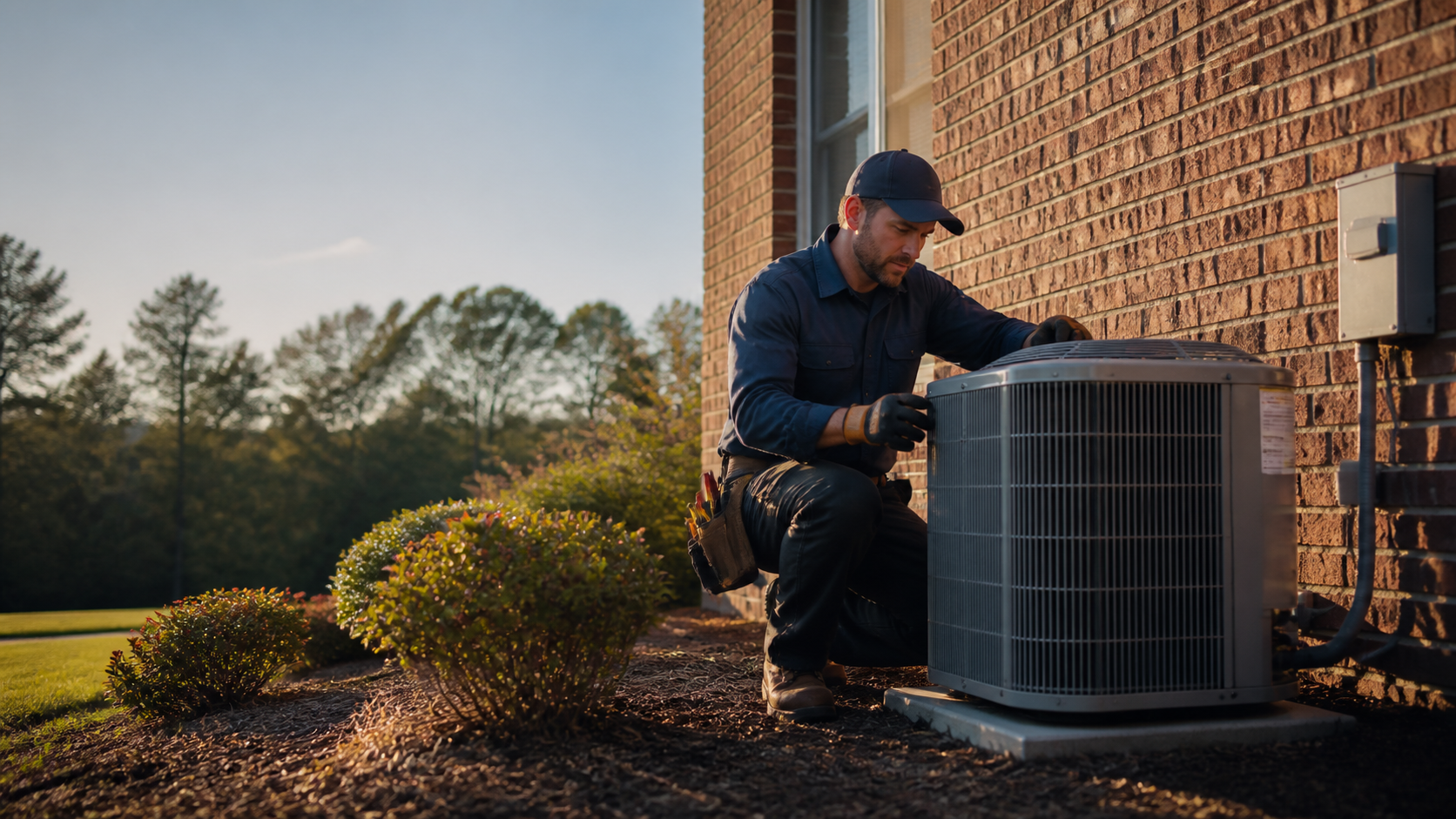
Check compatibility
Write down the heat-pump, indoor-unit, and thermostat models before you buy or install. Check the exact combination for stages, backup heat, emergency heat, and C-wire requirements.
Do not guess at wiring
Terminal labels are clues, not permission to move wires. Photograph the old connections and stop if the labels don't match the new base or the manufacturer diagram.
Test before scheduling
Run the built-in system test when available. Check heating, cooling, fan, and backup-heat behavior one mode at a time before trusting a new schedule.
Check compatibility before you buy or install
Start with the thermostat and equipment information. Write down the outdoor heat-pump model, indoor air-handler or furnace model, current thermostat model, and terminal labels.
Photograph the connections before removing the display or base. The labels matter more than wire colors.
Compatibility depends on more than whether the thermostat has Wi-Fi. Some heat-pump configurations require a C wire or a model-specific power accessory.
Check the exact thermostat and equipment combination before installation.
Also check the thermostat location. An interior wall away from supply registers, drafts, windows, direct sunlight, and other local heat sources gives the thermostat a better reading of the home.
A poor location can make it control a room that is warmer or cooler than the rest of the house.
- Is the equipment a heat pump, a conventional furnace and air conditioner, or a dual-fuel system?
- Does the heat pump have one compressor stage or more than one?
- Is backup heat installed, and is emergency heat a separate function?
- Is there a C wire, and does the thermostat require one for this system?
- Is the system zoned or connected to a humidifier, dehumidifier, or other accessory?
What the heat-pump terminals usually do
Terminal names are useful clues, not permission to guess. In a documented heat-pump configuration, R is power, Y is compressor control, C is common, O/B is the changeover valve, and G is the fan.
Aux is backup heat (the supplemental strip or second stage that helps the heat pump) and E is emergency heat on systems that support those functions.
Your equipment may not use every label, and another thermostat model may assign a terminal differently. A manufacturer diagram can also show an L terminal for a heat-pump fault input.
Do not move a wire because its color or label looks familiar.
If the old labels don't match the new base, stop and use the manuals or arrange for professional setup.
- R supplies 24-volt power; C is the common connection for thermostats that need continuous power.
- Y calls for compressor operation, while G controls the indoor fan on systems with a dedicated fan wire.
- O/B controls the reversing valve or changeover function that switches between heating and cooling.
- AUX is automatic supplemental heat; E is emergency heat on systems with a separate emergency mode.
Configure the heat-pump controls
During setup, choose the actual system type first. A smart thermostat may ask whether the system is conventional, a heat pump, or dual fuel, then ask about compressor stages, backup heat, emergency heat, and the reversing valve.
The menus vary by brand, but the selections must match the equipment.
The O/B question deserves extra care. O and B are two different ways manufacturers configure the changeover valve.
Use the heat-pump manual or manufacturer to determine which one applies. Do not select a setting because one letter is more common in a general article.
Backup heat — the AUX setting on most thermostats — and emergency heat are not the same choice. Backup heat gets called automatically when the heat pump needs help.
Emergency heat is a manual mode on systems that support it, used when the primary heat pump isn't working or can't keep the home comfortable.
Dual fuel needs another level of care because it combines a heat pump with a separate heating system, such as a furnace. The thermostat has to coordinate two heating sources, so treat dual-fuel setup as a professional stop point.
Do not assume the W terminal belongs in a heat-pump setup; the equipment manual controls that decision.
- Set the actual equipment type before choosing stages or backup heat.
- Match the O/B selection to the specific heat-pump documentation.
- Verify whether backup heat is electric, gas, oil, or another type.
- Treat dual-fuel systems and unfamiliar W-terminal diagrams as professional setup work.
Choose heat-pump thermostat settings carefully
Set the thermostat to let the heat pump handle ordinary heating before calling for supplemental heat. The right lockout or balance temperature depends on the equipment, the home's heating load, the backup system, and the control strategy.
There is no single correct setting for every Frederick County home.
Use a schedule that gives the heat pump time to recover. Start with modest changes, then watch runtime and auxiliary-heat indicators.
A longer, steadier cycle is not automatically a fault, but frequent backup heat can point to a dirty filter, airflow problem, incorrect staging, or equipment fault.
Energy-use and HVAC-runtime screens can help you notice that backup heat is running more than expected. They can show a pattern, but they do not diagnose the reason.
- Let the heat pump handle normal heating before supplemental heat is called.
- Use small schedule changes instead of large setbacks that force a fast recovery.
- Watch the auxiliary-heat indicator, runtime, comfort, and energy trend after setup.
- Do not treat a thermostat screen as a substitute for diagnosing airflow or equipment problems.
Test the setup before you trust the schedule
Run the thermostat's built-in system test if it provides one. Test one mode at a time and compare what the equipment does with what the thermostat is asking for.
Stop if the system heats when it should cool, cools when it should heat, runs the wrong backup source, shows a wiring error, trips a breaker, or produces unusual noise or odor. Do not keep changing settings to see whether the problem disappears.
Write down what the thermostat displayed, which mode was selected, and what the equipment did. That record gives an HVAC professional a much better starting point.
- Set the fan to Auto and confirm that the system is not running without a call.
- Call for heating and confirm warm air after the normal startup delay.
- Let the system stop, then test cooling when outdoor conditions make that reasonable.
- If the system has backup heat, confirm that the thermostat identifies it correctly. Do not force emergency heat just to see whether it works.
- Return to normal mode and check the schedule, app connection, and displayed equipment.
When to call for thermostat setup help in Frederick County
Professional setup is the sensible next step when the system is dual fuel, zoned, multistage, connected to accessories, missing the expected C-wire information, or wired differently from the thermostat diagram. It is also the right move when the old and new labels do not match, the system test fails, or backup heat runs far more than expected.
If a gas or oil heating system is part of the setup, fuel-burning equipment can produce carbon monoxide. Keep carbon-monoxide alarms on every level and outside sleeping areas, and remember that an alarm is not a substitute for proper equipment maintenance.
For a Frederick County homeowner, the useful service request is specific: smart thermostat installation, heat-pump setup, staging or auxiliary-heat configuration, or diagnosis. Have the thermostat model, equipment numbers, wiring photo, and failed-test symptoms ready.
- Call when the system is dual fuel, zoned, multistage, or connected to accessories.
- Stop when wiring labels do not match the thermostat diagram or the system test fails.
- Arrange diagnosis when backup heat runs far more than expected or comfort is poor.
- Leave the property and call 911 from a safe location for gas odor, smoke, fire, sparking, or a carbon monoxide alarm.
Model numbers before box cutters
The outdoor heat-pump model, the indoor unit's model, the current thermostat's model, and a photo of the terminal block — captured before anything gets unplugged. That's the whole compatibility homework, and it prevents the two most common setup mistakes: buying the wrong thermostat and guessing at the wiring.
Keep the list with the project file. If anything goes sideways mid-setup, those four facts are what a professional asks for first.
- Three model numbers and one wiring photo: the pre-installation checklist.
Where wiring stops being a homeowner job
Labels that don't line up, terminals that don't exist on the new base, a diagram that doesn't match reality — any of those ends the DIY phase. A photograph of the original connections preserves the evidence; the manuals or a professional finish the story.
Note exactly where you stopped and what looked wrong. An honest half-finished setup is far easier to rescue than one that was forced.
- Mismatched labels mean stop — not improvise.
Answers to the usual follow-up questions
Should I choose O or B?
Choose the setting shown by the heat-pump manual or manufacturer. O and B control the changeover valve differently. If the system heats during a cooling test or cools during a heating test, stop and correct the configuration with the manual or professional help.
Is AUX heat the same as emergency heat?
No. Backup heat is automatic supplemental heat on supported systems. Emergency heat is a manual mode that uses the backup source when the primary heat pump is not working or is not keeping up. The names and terminals vary by thermostat and equipment.
Does every smart thermostat need a C wire?
No single answer applies to every model. Some heat-pump configurations require a C wire or a model-specific power accessory. Check the exact thermostat and equipment combination before you buy or install it.
Why does my heat pump run longer after setup?
Heat pumps often operate differently from furnaces, and a longer, steadier cycle is not automatically a fault. Check the selected system type, stage settings, O/B setting, filter, airflow, and auxiliary-heat indicator. If comfort is poor or the equipment behaves differently from the call, schedule a diagnosis instead of repeatedly changing installer settings.
Can I finish the setup if the system is dual fuel?
Use the equipment and thermostat manuals, but treat dual fuel as a professional setup point. The thermostat has to coordinate the heat pump and a separate heating source, so the wrong selection can affect comfort, runtime, and equipment operation.
What should smart thermostat heat pump setup end with?
It should end with a known system configuration and a successful mode test, not simply a connected app. If you cannot verify the wiring, backup heat, or test results, pause there and get the setup checked before the next cold or hot stretch in Frederick County.