Why Is My Thermostat Blank? Causes and Safe Checks for Frederick Homeowners
A blank thermostat can mean something simple, such as drained batteries or a tripped HVAC breaker. It can also mean the thermostat has lost the low-voltage power it needs from the furnace, air handler, or heat pump. The dark screen alone does not tell you which part failed.
Start by checking whether the display is merely asleep. Some thermostats turn off their screens when they do not sense movement and wake when someone approaches or interacts with them. If it stays dark after you press it or turn the ring, treat the problem as a power or control issue until you know more.
The safest first checks are the display, compatible batteries, and accessible HVAC power. Leave wiring, control-board fuses, and live equipment to a technician.
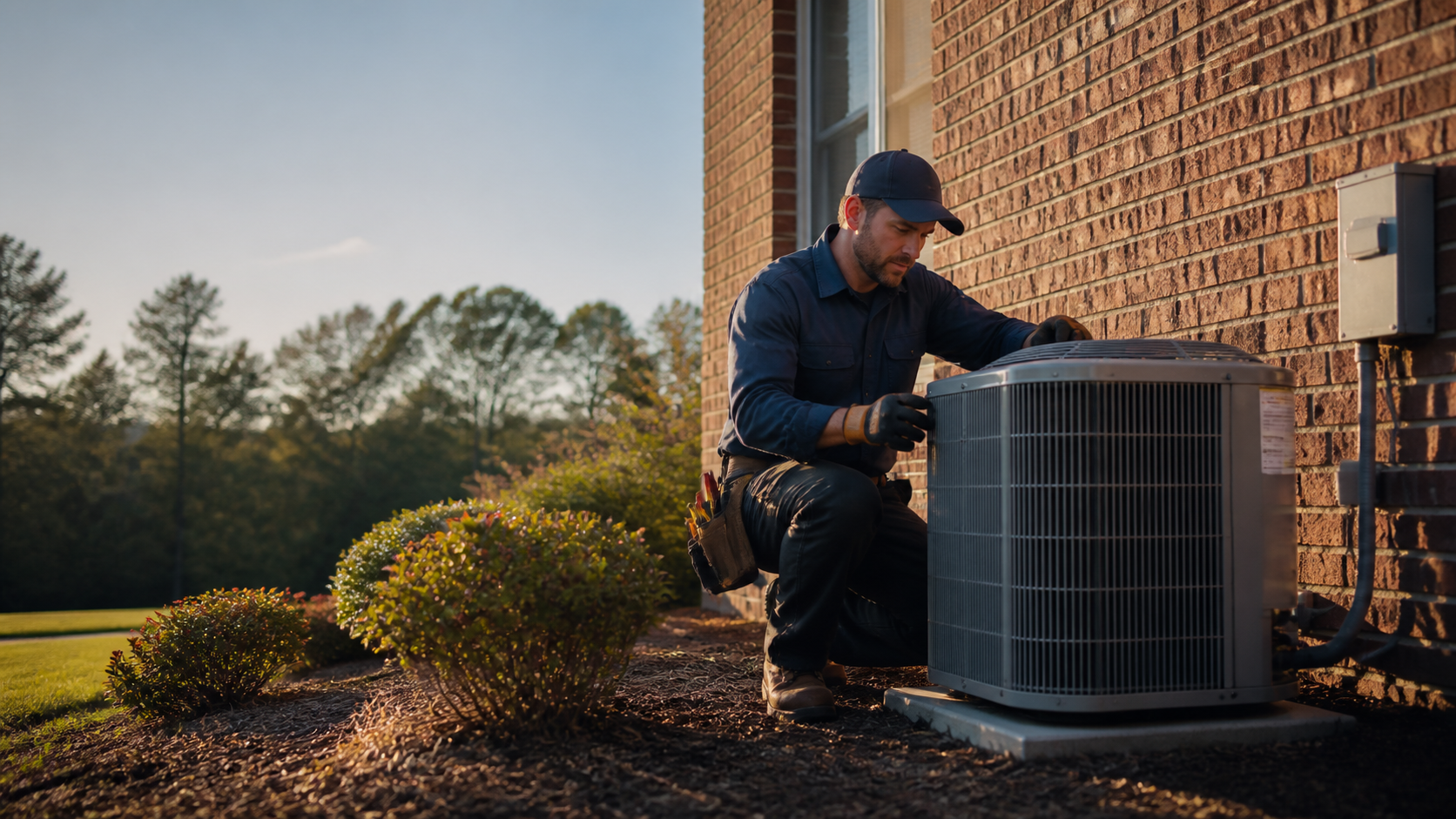
Check first
Wake the display, then replace batteries when the thermostat uses them. Check the breaker or accessible service switch for the furnace, air handler, or heat pump.
Stop here
Do not remove the furnace panel, test live wiring, replace a control-board fuse, or bypass the float switch in the drain pan. Leave those checks to a technician.
What to tell us
Share the thermostat brand and model, whether new batteries helped, whether the breaker tripped, what the HVAC equipment is doing, and what changed before the screen went blank.
What a blank thermostat usually means
The most useful first question is not "Do I need a new thermostat?" It is "Is the thermostat receiving power?"
A system-powered thermostat depends on the HVAC equipment and its control wiring. If that power path is interrupted, the screen may go blank even when the wall-mounted thermostat is not the original problem.
The symptom also changes the diagnosis. A screen that wakes when you approach may be following its normal setting.
A screen that stays black while the furnace, AC, or heat pump stops responding points more strongly toward a power interruption or equipment-side problem. If the HVAC system still runs, the thermostat may have a display, battery, or connection problem.
- A dark screen does not prove that the thermostat needs replacement.
- The thermostat may receive power from batteries, HVAC control wiring, or both.
- A blank screen and a stopped system together point toward a power or equipment problem.
- A screen that wakes on touch or motion may be operating normally.
Safe checks to try first
You can gather useful information without opening the furnace or testing live wiring. Start with the display.
Press the screen, turn the ring, or stand near a motion-activated thermostat. If it wakes, check whether the system is set to Heat, Cool, Off, or Auto.
If the thermostat uses batteries, remove the display or battery cover only as the model instructions show. Use the correct battery type, match the positive and negative markings, and make sure the contacts are clean and seated.
A low battery can shut down features to preserve remaining power, so a smart thermostat may show reduced function before the screen goes completely dark.
Next, look for the breaker or accessible service switch that supplies the furnace, air handler, or heat pump. If a breaker is visibly tripped and you feel comfortable using the electrical panel, move it fully to Off and then back to On once.
Carrier and Google both include the system breaker or switch among blank-screen checks. If the breaker trips again, leave it off and arrange service.
If you have a gas furnace, look only at the exterior door position. A furnace door that is not secured can prevent some systems from responding.
Do not reach inside the furnace cabinet, bypass a door switch, or remove panels while the system is energized.
Notice what changed. Record whether the blank screen followed a storm, outage, filter change, water near the indoor unit, or service visit.
Also note whether the equipment makes any sound.
- Wake the display with a button, touch, ring movement, or motion if the model supports it.
- Replace batteries only when the thermostat uses them, following the model instructions.
- Reset a visibly tripped HVAC breaker once only; leave it off if it trips again.
- Check the exterior furnace door position without opening the equipment.
- Stop for burning odor, smoke, unusual electrical buzzing, water near electrical equipment, or uncertainty about the panel.
When the problem may be in the HVAC system
On many systems, the thermostat receives low-voltage power through wiring connected to the furnace, air handler, or heat pump. A loose connection, control component, equipment failure, or other power-path problem can leave the display blank.
Some smart thermostat help codes appear when the HVAC system stops sending power to the thermostat.
Wiring is one possibility, especially after installation, a thermostat change, or work near the equipment. A common-wire or other connection issue can keep a system-powered thermostat from staying charged.
That does not mean every blank screen needs a new wire. It means the wiring and control voltage need a proper check with system power off.
Cooling systems add another possibility: the drain-pan safety switch. Air conditioning and heat pump equipment pulls water out of your air as it cools, and that water collects in a pan and leaves through a drain line.
If the pan or line overflows, a float switch in the pan can shut the equipment down to keep water off the floor — and the thermostat goes dark with it. That is why a blank screen sometimes arrives alongside a stopped AC or water in the pan.
Do not bypass a safety switch. If you see water, turn the system off if you can do so safely and arrange diagnosis.
- A loose or damaged low-voltage connection can interrupt thermostat power.
- A float switch in the drain pan may stop cooling equipment when water rises too far.
- Water near the indoor unit and a blank screen are useful clues for the technician.
- Leave wiring, control components, and safety switches closed and intact.
When to stop troubleshooting
Some symptoms change the situation from routine troubleshooting to an urgent safety response. The blank display can wait.
A gas leak, smoke, or carbon monoxide alarm cannot.
If you smell or hear gas leaking, leave the home immediately. Contact the local gas authority from outside the home.
If a carbon monoxide alarm sounds, move outside to fresh air, call emergency services or the fire department, and do not reenter until responders say it is safe.
For burning odor, smoke, or a breaker that keeps tripping, turn the HVAC system off if you can do so safely and call for professional help. Do not keep resetting the breaker or open the furnace to look for the cause.
- Leave the home for a suspected gas leak and call from outside.
- Treat a carbon monoxide alarm as an emergency and do not reenter until responders clear the home.
- Stop for smoke, burning odor, unusual electrical buzzing, or active sparking.
- Turn the system off for water around the indoor unit when you can do so safely.
- Do not bypass a safety switch or continue resetting a tripping breaker.
When to call for HVAC diagnosis in Frederick County
If the thermostat remains blank after the appropriate battery and accessible power checks, the next step is diagnosis. The same is true when the display returns briefly and goes dark again, the system will not heat or cool, a breaker trips again, or the indoor equipment has water around it.
For a Frederick County service call, gather the thermostat brand and model, system type if known, the last time the display worked, any recent outage or maintenance, and what the equipment is doing now.
The goal is a clear diagnosis of the thermostat, wiring, HVAC power, control components, or the drain-pan safety switch. A blank thermostat alone is not enough information to choose repair, replacement, or a particular part.
- Tell the technician whether the screen is fully dark, dim, intermittent, or responsive to touch.
- Share whether new batteries helped and whether a breaker or service switch changed anything.
- Mention water, a storm, outage, filter change, recent service, or a recent thermostat installation.
- Describe whether the furnace, AC, or heat pump still runs and whether the home has lost comfort.
The three things to try
Wake the screen. Fresh batteries if it takes them.
One look at the breaker and the service switch. That's the entire homeowner checklist, and it resolves a surprising share of blank screens.
If all three come up empty, the problem is deeper in the power path — and that's where the meter work starts.
- Screen, batteries, breaker — then the pros take over.
The panel that stays shut
The furnace panel, live wiring, control-board fuses, and the drain-pan switch are all off-limits. None of them can be checked without exposing voltage or defeating a safety that exists to keep water off your floor.
A technician opens those with the power off and the right meters. The savings from doing it yourself aren't worth what's behind that panel.
- Panels closed, switches intact — no exceptions.
What we'll ask on the phone
Brand and model of the thermostat, whether new batteries changed anything, whether the breaker tripped, and what the equipment itself is doing. Plus one timeline note: what happened right before the screen went dark.
Those five facts usually tell us whether we're bringing a thermostat or testing the power path.
- Model, batteries, breaker, equipment, timeline — five facts.
Answers to the usual follow-up questions
Is a blank screen always a bad thermostat?
No. The screen may be asleep, the batteries depleted, or the HVAC system without power. Check the model's behavior before assuming the control needs replacement.
What if the thermostat is blank but the HVAC system still runs?
The equipment may still have power while the thermostat has a display, battery, or communication problem. Check compatible batteries and use the manufacturer's instructions. If the display remains blank, schedule diagnosis.
What if new batteries do not fix the thermostat?
Confirm the battery type, polarity, contacts, and display seating. If the thermostat is system-powered, batteries may not be the main source. A breaker, service switch, wiring connection, or equipment-side problem may still need attention.
Can a power outage cause a blank thermostat?
Yes. A power outage can interrupt the HVAC power path. Some smart thermostats use an internal battery temporarily, then reduce features as that battery falls. Outages also create added fire and carbon monoxide risks when fuel-burning equipment is used incorrectly.
Should I replace the thermostat?
Not based on a blank screen alone. If the screen stays blank, the HVAC system does not respond, or the problem returns, have the thermostat and system power path diagnosed first.