AC not working after a power outage in Frederick
what to check
If your AC is not working after a power outage in Frederick, first find out whether power is still out to the house or whether the air conditioner is the only problem. If lights and major appliances are still off, check your electric provider's outage information instead of repeatedly resetting the HVAC system.
If power has returned, check the thermostat, filter, and visible breaker position. One controlled reset is reasonable only when there is no burning smell, gas odor, standing water, visible damage, or repeated trip. These steps help sort out the next move; they do not replace an electrical inspection or HVAC diagnosis.
A blank thermostat, indoor fan without outdoor cooling, humming condenser, warm air, water, ice, or a breaker that trips again tells you something different about the system. Note what you see and hear so the next call starts with useful evidence instead of a guessed part name.
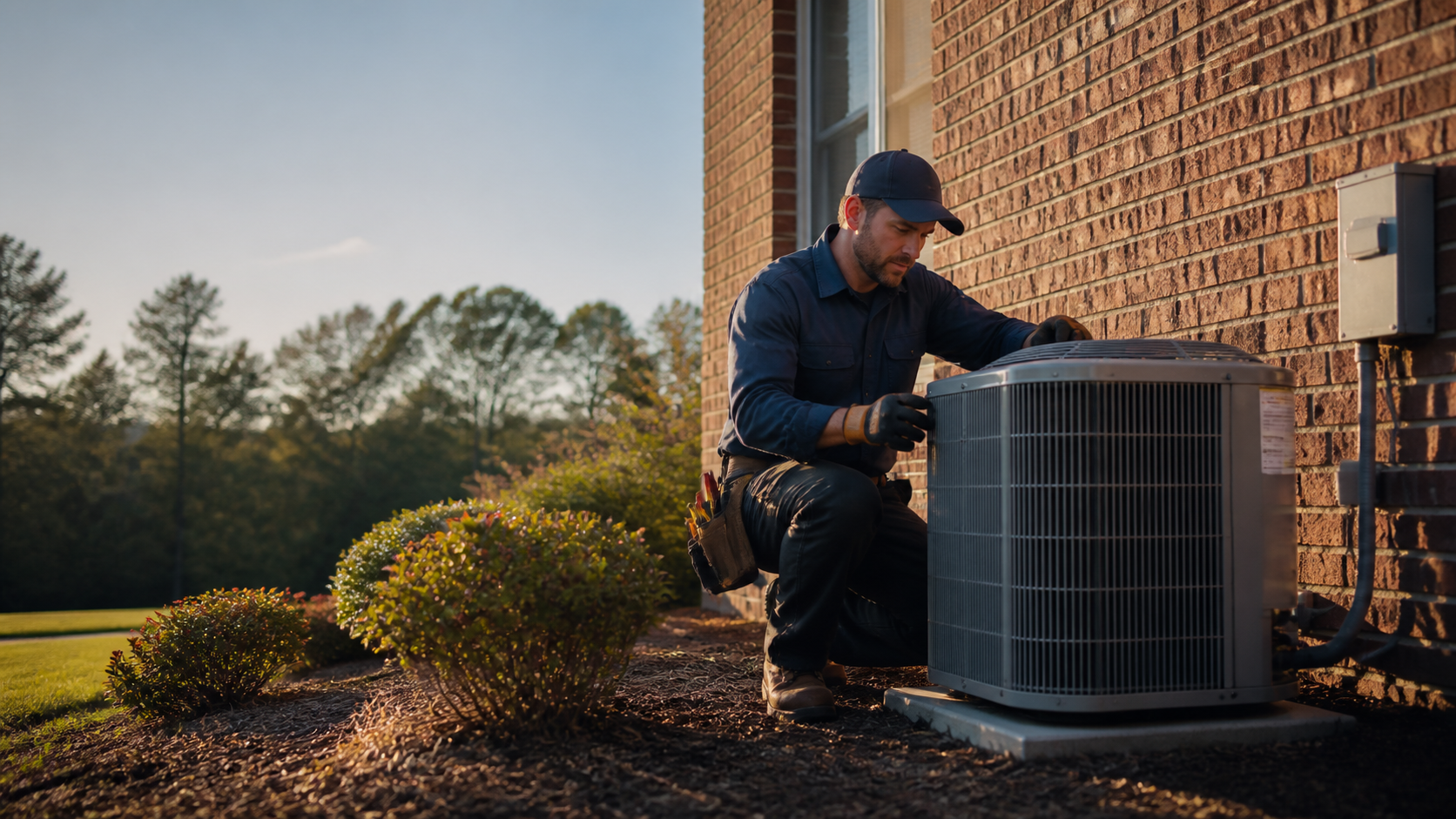
Check first
Separate a house-wide outage from an AC problem. Confirm the thermostat is on Cool, check its battery if applicable, look at the filter, and observe the breaker without opening equipment.
Reset once
Only when the home and equipment are safe, turn the thermostat and HVAC breaker off, wait at least 30 minutes, then restore power and set the thermostat to Cool.
Stop here
A repeated trip, burning smell, gas odor, standing water, downed wire, flooded equipment, visible damage, or a carbon monoxide alarm is not a reset project.
Check whether the outage is still affecting your Frederick home
Are the lights on? Do outlets and other appliances work?
Is the thermostat screen lit? Those observations separate a house-wide power problem from an air conditioner that failed to restart.
Use the outage information for the provider serving your address and report an outage or check its restoration information.
Do not assume that a thermostat display proves the whole AC system has power. The thermostat may be powered while the outdoor condenser remains off.
If the home is still without electricity, leave the AC alone until utility power is restored. If only the AC is affected, note whether the thermostat is blank, the indoor fan runs without outdoor cooling, or the breaker sits between On and Off.
- Check the utility outage status before resetting HVAC equipment.
- A lit thermostat does not prove the outdoor condenser has power.
- Note the exact symptom instead of guessing which part failed.
Make these safe checks before you reset anything
Continue only if the equipment is dry and there is no gas or burning smell, downed wire, standing water, or storm damage nearby. At the thermostat, set the mode to Cool, set the temperature below the current room temperature, and set the fan to Auto unless you have a separate reason to run it.
If the display is blank and the thermostat uses batteries, replace them with the correct type. Do not remove the thermostat cover to work on wiring.
Check the air filter. If it is gray, packed with dust, or visibly blocked, replace it with the correct size and type.
A dirty filter can restrict airflow and contribute to overheating or freezing, but it is not proof that the filter caused an outage-related failure. Then look at the HVAC breaker if you can reach the panel safely and know which breaker serves the equipment.
A tripped breaker may sit in the middle position.
- Set Cool below the current room temperature and check the battery if applicable.
- Replace a visibly blocked filter with the correct size and type.
- Do not remove panels, handle wiring, open a disconnect, or replace a fuse with a different size.
How to reset your AC after a power outage
A reset is a bounded test, not a repair. Try it only when the rest of the home has power and the system shows no danger signs.
Set the thermostat to Off. At the electrical panel, switch the HVAC or AC breaker to Off, wait at least 30 minutes, switch it back to On, and set the thermostat to Cool below the current room temperature.
Afterward, listen and look from a safe distance. Does the indoor blower start?
Does the outdoor fan begin? Is the thermostat asking for cooling while nothing changes?
Many systems also hold a built-in compressor delay after power returns, so a quiet outdoor unit for several minutes can be normal. Leave the system set to Cool and give that delay time to pass; repeatedly cycling the thermostat can restart the timer.
If the breaker trips again, stop. Do not reset it a second or third time.
A repeated trip can point to an overloaded circuit, surge-damaged component, or another electrical hazard. Leave the equipment off and arrange diagnosis.
- Turn the thermostat Off, then the HVAC breaker Off.
- Wait at least 30 minutes before restoring power.
- Set the thermostat back to Cool and wait through the restart delay.
- Stop immediately if the breaker trips again.
Know when a storm turned this into an electrical problem
Do not approach a downed power line, a wire touching a tree, or equipment in standing water. Treat fallen lines as energized and leave them for the utility or emergency professionals.
Do not plug in or turn on HVAC equipment that has been flooded or visibly wet. Have affected electrical equipment inspected before it is re-energized.
If you are using a portable generator, keep it outdoors at least 20 feet from the home and away from windows, doors, and vents. Never run one in a garage, basement, crawlspace, shed, or home.
Do not plug a generator into a wall outlet to power household wiring; backfeeding can put utility workers at risk.
If you smell or hear gas leaking, leave immediately without operating electronics and call 911 or the gas utility from a safe location. If a carbon monoxide alarm sounds, get everyone outside and call 911.
An AC reset is never the first response to those warnings.
- Stay away from downed lines, storm-damaged wiring, and standing water.
- Do not re-energize flooded or visibly wet HVAC equipment.
- Run generators outdoors and never connect one to a wall outlet.
- Gas odor, smoke, fire, sparking, or a CO alarm means leave first and call for emergency help.
What the symptoms may be telling you
A blank thermostat after a battery check may involve the HVAC circuit, fuse, low-voltage power, or thermostat. Stop at observation and do not test wiring.
If the indoor fan runs but the outdoor unit does not, the two sections may have separate power, or a starting component, motor, control, or wiring may have failed.
A buzzing or humming outdoor unit that does not start can occur when a capacitor or motor cannot start the fan. Do not wait beside it or push the fan blade.
Switch the system off if you can do so without approaching a hazard and arrange professional diagnosis. If the system runs but blows warm air, check the thermostat mode and filter, then look for ice from a safe distance.
Do not remove ice with a tool or handle refrigerant.
Water near the indoor unit may follow a frozen coil that thawed, a blocked drain line, or a cracked drain pan. Turn the system off if water is reaching flooring, drywall, electrical equipment, or other building materials.
Do not pour chemicals into a drain or open equipment panels unless a qualified professional directs you.
- Blank thermostat: check the battery if applicable, then stop before wiring.
- Indoor fan but no outdoor unit: report the difference between the two sections.
- Buzzing or humming: turn the system off safely; do not push the fan blade.
- Warm air, ice, or water: shut down safely and request service.
- Repeated breaker trips: leave the breaker off.
When to call for AC repair in Frederick County
Call the utility when the neighborhood or house still has no power. Call an electrician when you see damaged service equipment, a downed line, water-damaged electrical components, or a breaker that will not stay on.
Call an HVAC professional when the home has power but the AC will not restart after the safe checks, when the indoor and outdoor sections respond differently, or when you see ice, water, buzzing, or warm air.
Before requesting AC repair, write down when the power went out and returned, whether other appliances are working, whether the thermostat is blank or lit, whether the indoor fan runs, whether the outdoor unit is silent, humming, or running, and any breaker trip, water, ice, burning smell, or visible storm damage. Describe the symptom and outage history so the visit starts with the right question: is this a utility issue, an electrical issue, or an AC equipment failure?
- Record the outage timing and whether power flickered or surged.
- Describe the thermostat, indoor fan, outdoor unit, breaker, and any odor or water.
- Leave technical part names to the technician's diagnosis.
Is it the grid, the wiring, or the unit?
The first diagnostic step after any outage costs nothing: check whether the lights work. House dark means the utility; lights on but AC dead means the problem lives somewhere between the panel and the outdoor unit.
Write down which of the two you're looking at. Everything else on the repair call flows from that one answer.
- Lights on or off — that single fact sorts the whole problem.
The reset is an experiment, not a repair
Thermostat off, breaker off, thirty minutes of patience, power back, Cool on. That's the entire procedure — and it only runs when the equipment is dry, undamaged, and free of any burning or gas smell.
The result is information, not a fix. The unit restarts and cools: problem solved.
It trips, hums, or blows warm: you've learned exactly which failure to report.
- One reset, thirty minutes, and whatever happens next is data.
Answers to the usual follow-up questions
How long should I wait before resetting my AC after a power outage?
First confirm that the home and equipment are safe. If they are, set the thermostat and HVAC breaker Off, wait at least 30 minutes, then restore power once and set the thermostat to Cool. Many systems also have a built-in restart delay. If the breaker trips again, leave it off.
How long should I wait before resetting my AC after a power outage?Why is my thermostat on but my AC is not?
The thermostat may have power while the outdoor condenser does not. Check the Cool setting, filter, and visible breaker position. If the indoor fan runs but the outdoor unit stays silent after the safe reset and restart delay, report that difference to an HVAC professional.
Why is my thermostat on but my AC is not?Can a power surge damage an air conditioner?
Yes. A surge can damage electrical components, but the symptom does not identify which one. A burning smell, humming unit that will not start, dead thermostat after a battery check, or repeated breaker trip means stop resetting and arrange diagnosis.
Can a power surge damage an air conditioner?Should I keep resetting the breaker until the AC starts?
No. Reset a tripped HVAC breaker once only when there is no burning smell, gas odor, standing water, visible damage, or other danger sign. If it trips again, leave it off. Repeated resets can increase damage and electrical risk.
Should I keep resetting the breaker until the AC starts?What should I do if the AC is humming after the outage?
Do not wait beside the outdoor unit or push its fan blade. A hum without startup can involve a capacitor, motor, or another electrical component. Turn cooling off if you can do so safely and request professional diagnosis.
What should I do if the AC is humming after the outage?What should I tell the HVAC technician after a storm?
Share when the power went out and returned, whether it flickered or surged, whether other appliances work, what the thermostat shows, whether the indoor fan runs, what the outdoor unit sounds like, and any breaker trip, water, ice, burning smell, or visible damage. Those details help separate a utility issue, electrical problem, and AC equipment failure.
What should I tell the HVAC technician after a storm?